



https://makar3d.com
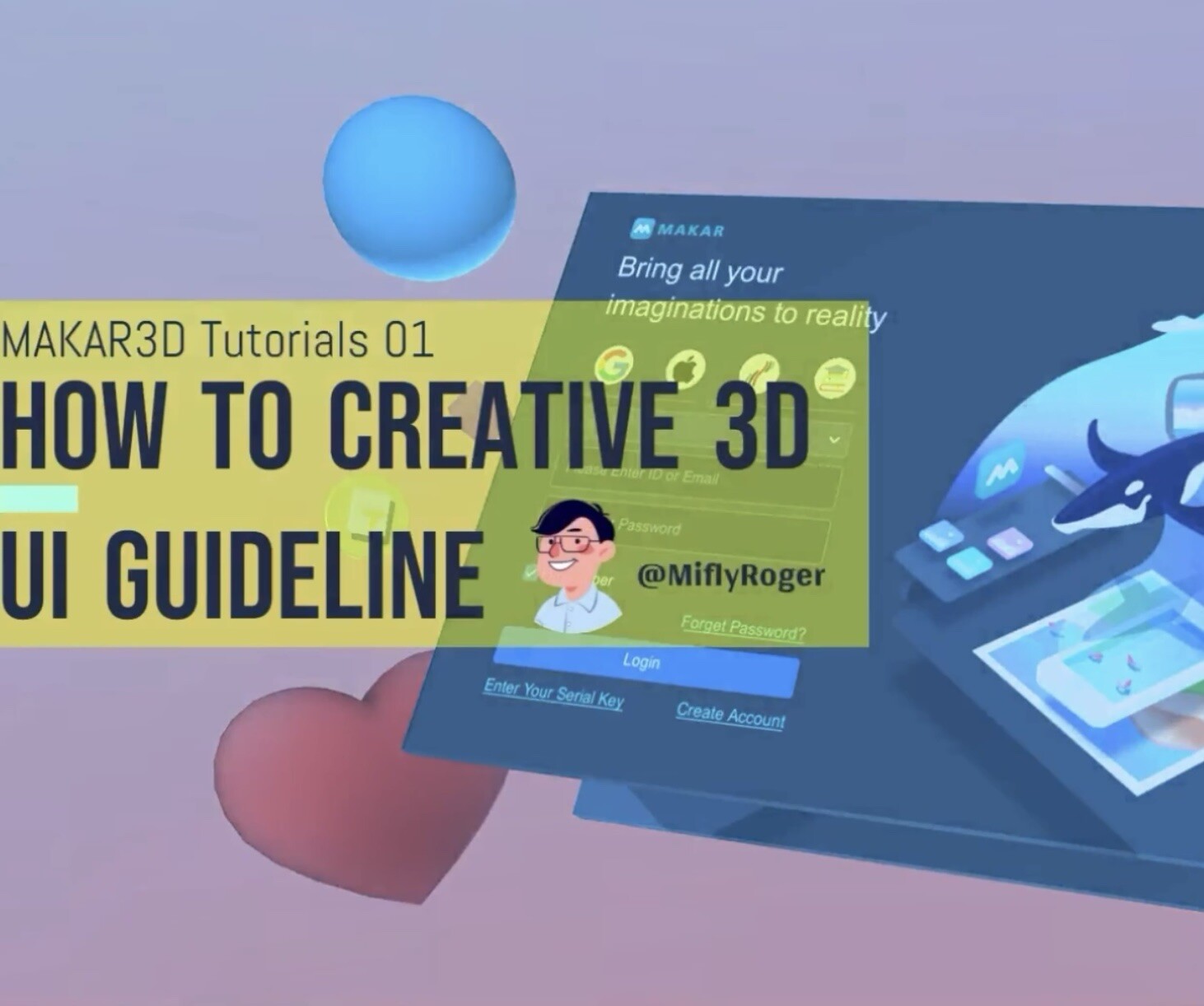
With MAKAR XR Editor, you will be able to experience a host of features to create the perfect 3D art that’s ready to be showcased. Read on to find out more about how MAKAR XR Editor can help you bring your creative vision to life.
1.Introduction & How to create MAKAR ID
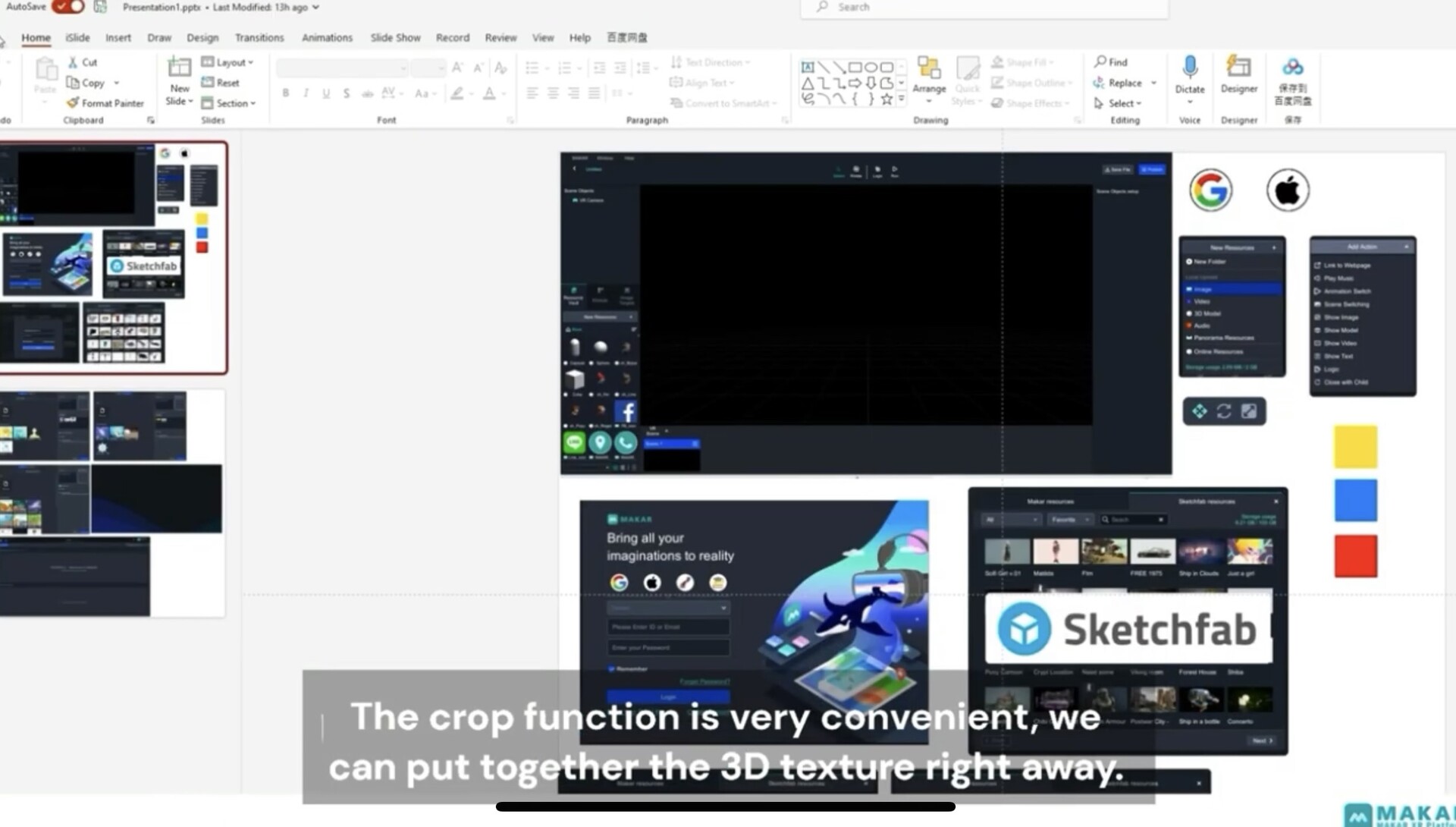
2.Set up the square format in PTT
3.Steps to Create a 3D Guide in Blender
4.Using Paint to Change Pixel Size
5.Start Editing with MAKAR
6.Adjust Color and Parameters
7.Add 3D Elements and Layer Effects
8.Use Logic to set Movements
9.Concluding Remarks
